Rich Media Support
Media Capabilities
Llumen supports various media types to enhance your conversations and workflows.
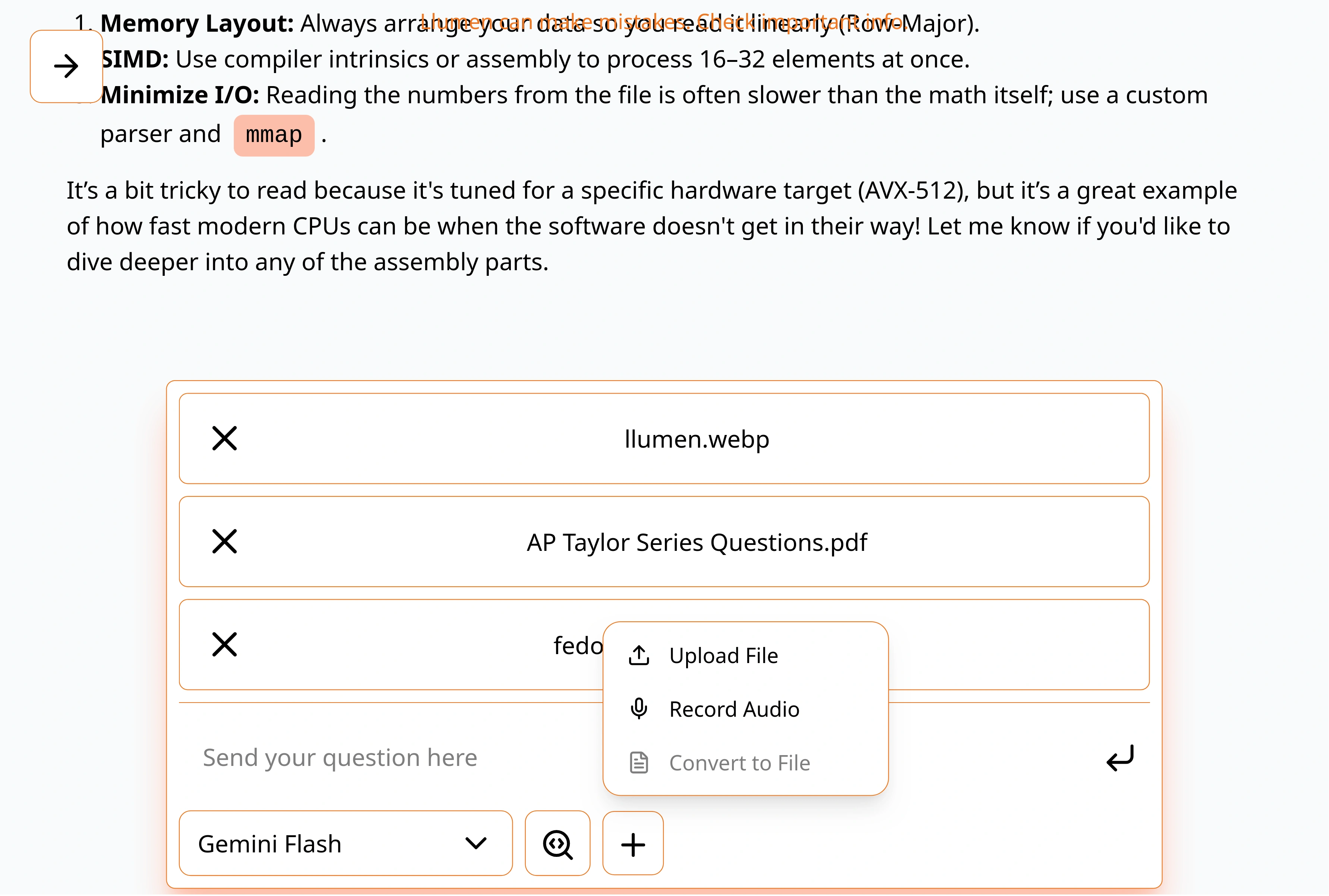
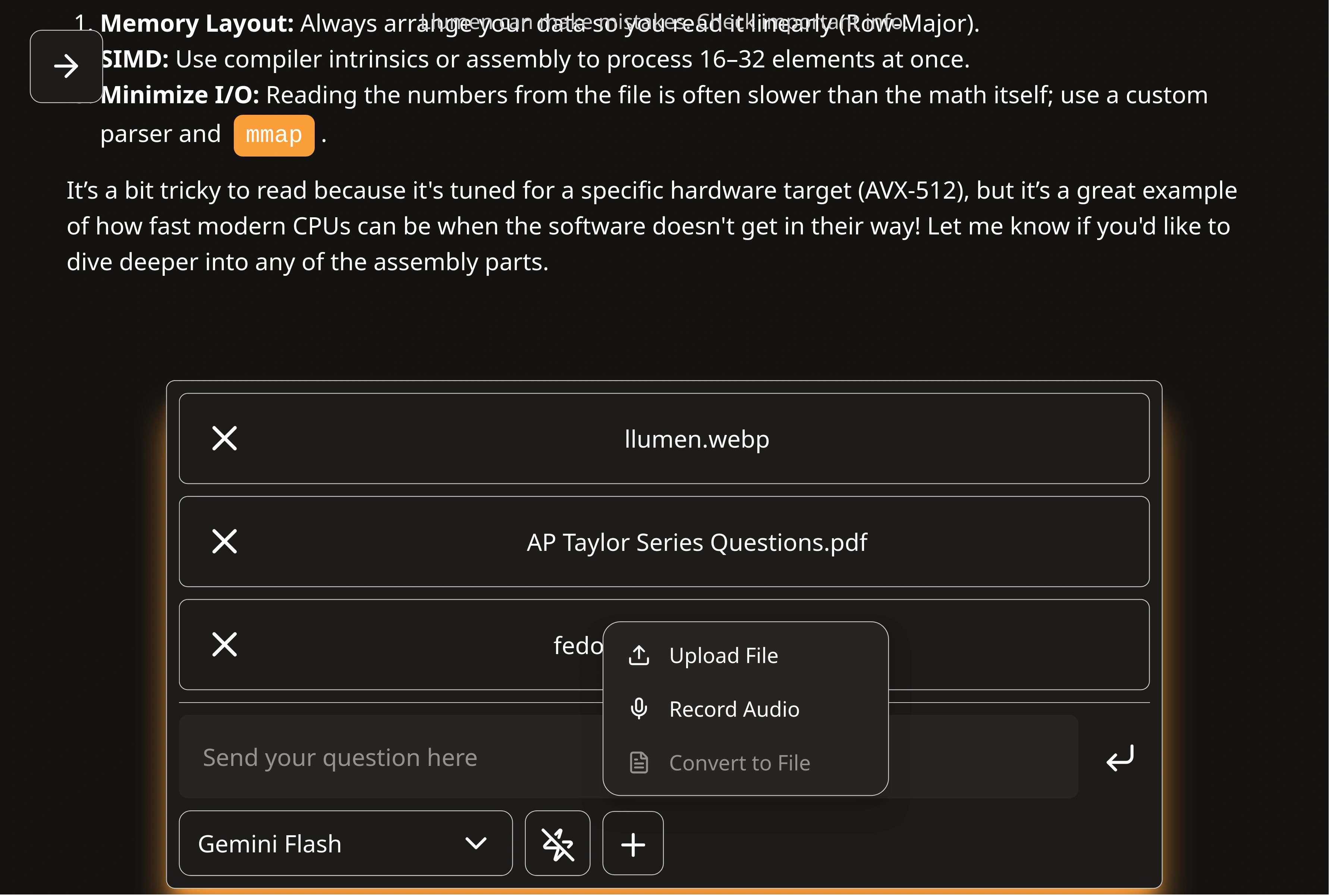
PDF Upload & Chat
Upload PDF documents and have natural conversations about their content.
Features
- Drag-and-drop upload
- Text extraction
- Context-aware responses
- Multi-page support
Use Cases
- Research paper analysis
- Document summarization
- Quote extraction
- Technical documentation help
- Legal document review
How to Use
- Click the attachment icon in chat
- Select your PDF file
- Wait for processing
- Ask questions about the content
LaTeX Rendering
Full LaTeX support for mathematical and scientific content.
Inline Math:
The quadratic formula is $ x = \frac{-b \pm \sqrt{b^2-4ac}}{2a} $
Image Generation
Generate images directly within your conversations.
Features
- Text-to-image generation
- Multiple styles
- Various aspect ratios
- Quick iterations
How to Use
- Enable image generation in settings
- Configure your image API (if different from chat)
- Request images in chat
Generate an image of a sunset over mountains

Create a diagram showing the software architecture

Draw a minimalist logo for a tech startup
Code Syntax Highlighting
Beautiful syntax highlighting for all major programming languages.
Supported Languages
- Rust, Python, JavaScript/TypeScript
- Go, Java, C/C++
- Shell scripts, SQL, YAML
- And many more
Features
- Automatic language detection
- Line numbers
- Copy button
- Dark/light theme support
Example
fn main() {
    println!("Hello, llumen!");
}
Markdown Support
Full Markdown rendering for rich formatting.
Supported Elements
- Bold and italic text
- Headers (H1-H6)
- Lists (ordered and unordered)
- Code blocks
- Tables
- Blockquotes
- Links and images
- Task lists