Chat Modes
Overview
Llumen provides three distinct chat modes, each optimized for different use cases. Switch between them seamlessly based on your needs.
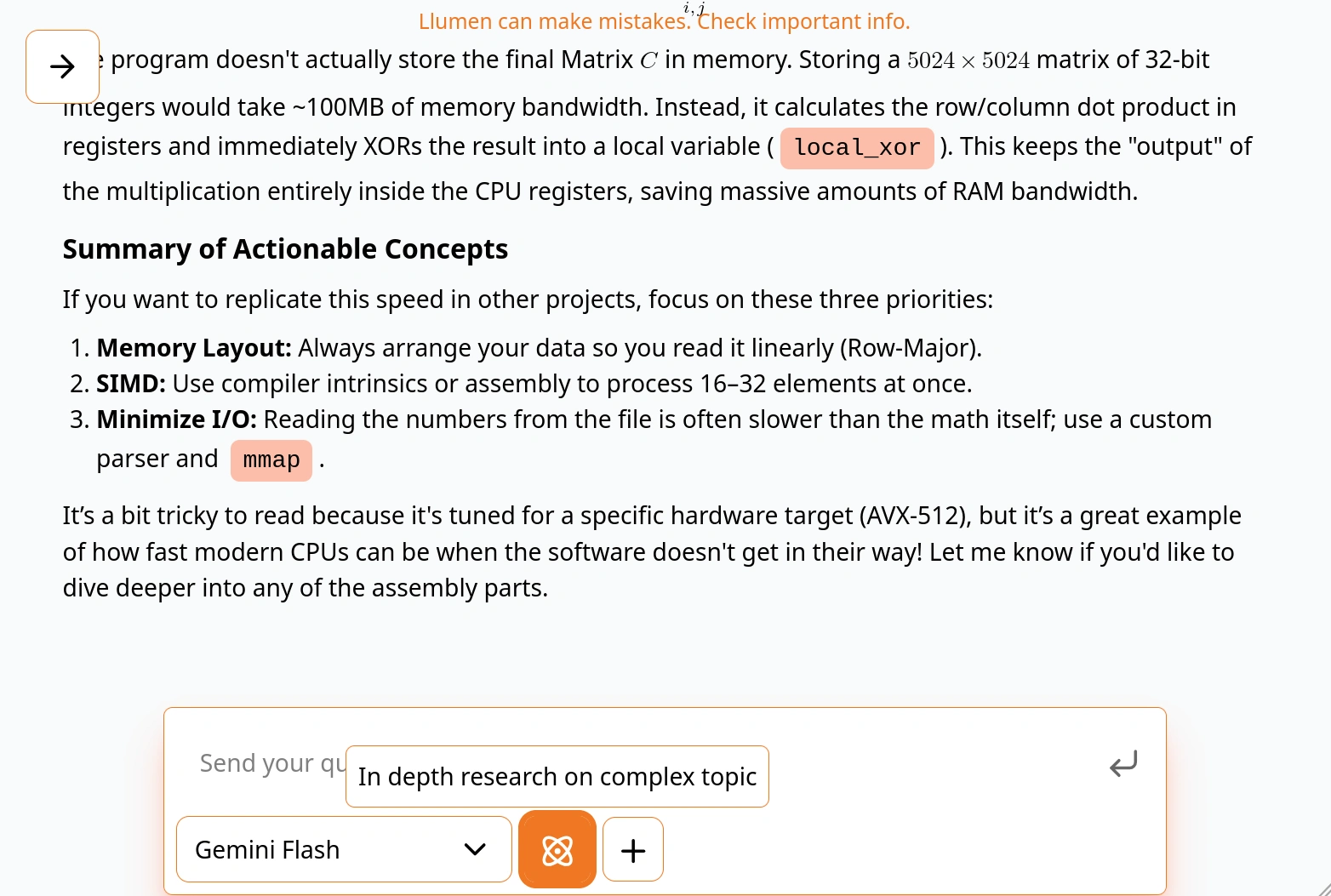
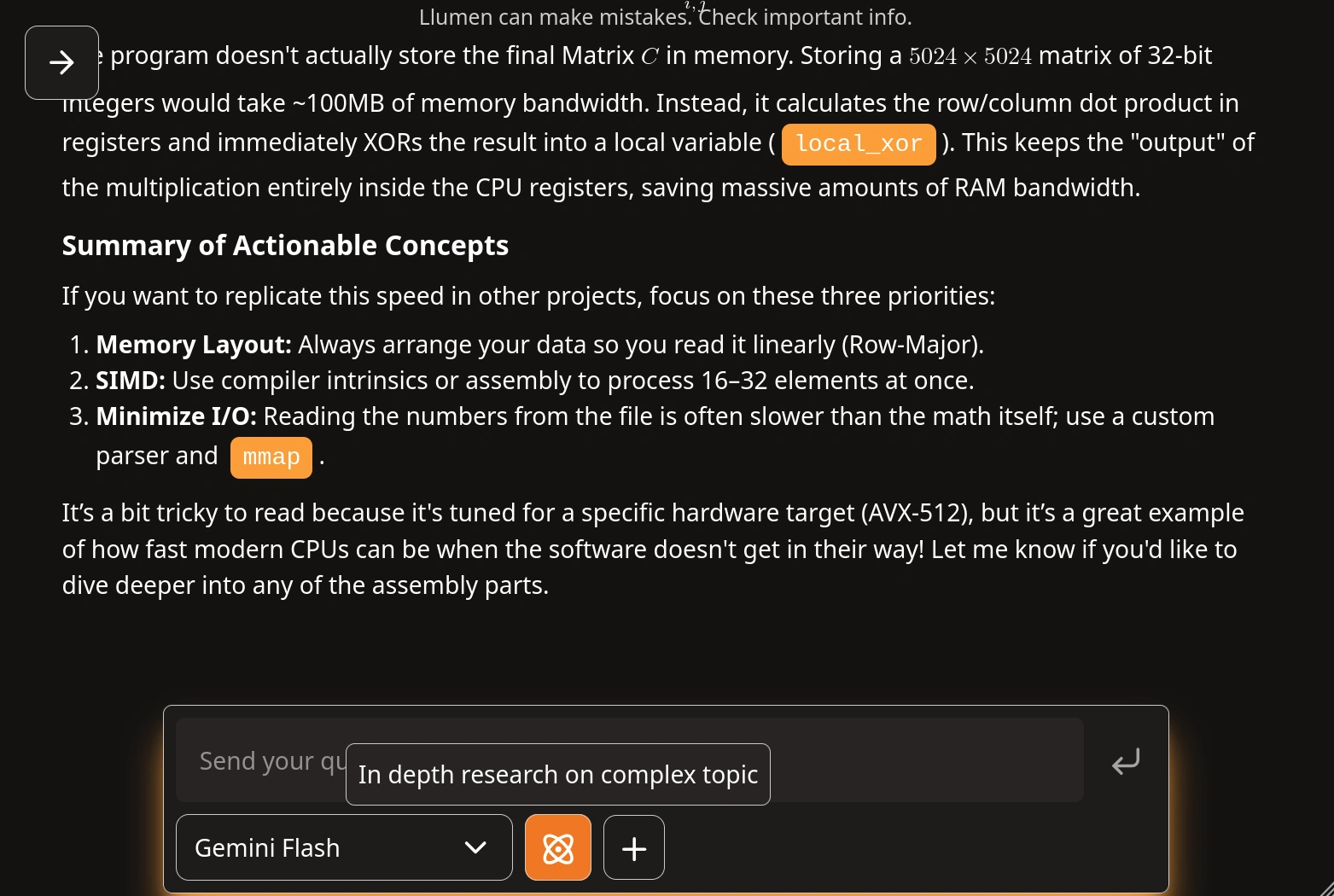
Normal Chat Mode
Normal mode is your standard AI assistant. It's fast, direct, and perfect for most interactions.
Features
- Direct LLM responses
- Fastest response times
- Context-aware conversations
- Multi-turn dialogue support
Use Cases
- Ask questions about any topic
- Get help with coding
- Write and edit content
- Brainstorm ideas
- Explain complex concepts
Web Search Mode
Web Search mode augments the AI with real-time web data. Get answers backed by current information and see your sources.
Features
- Real-time web search
- Source citations
- Up-to-date information
- Fact verification
Media Generation
Media Generation mode enable autonomous agents to generate media using special tool. The AI first present you with plot. Generate character portrait. Finally generate video.
Deep Research Mode
We plan to deprecate deep-research in next release.
Deep Research mode deploys autonomous agents to conduct comprehensive research. The AI plans its approach, gathers information systematically, and provides detailed findings.
Features
- Autonomous research agents
- Multi-step investigation
- Comprehensive analysis
- Structured findings
- Progress transparency
Deep Research mode takes longer but provides much more thorough analysis. Use it when you need depth over speed.
Switching Between Modes
Access the mode selector through the action menu in the chat input area. Your conversation history is preserved when switching modes.