Chat Modes
Overview
Llumen provides three distinct chat modes, each optimized for different use cases. Switch between them seamlessly based on your needs.
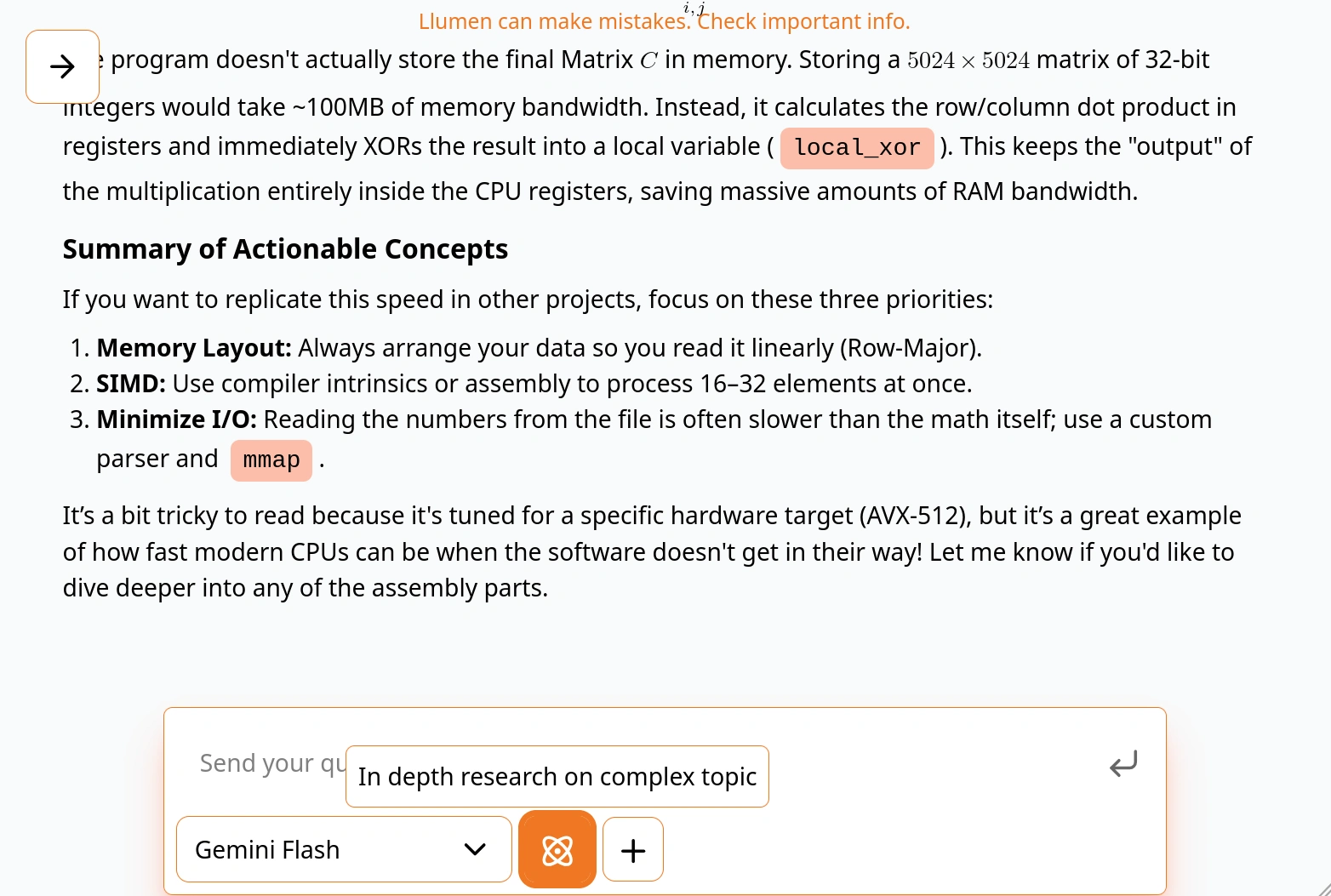
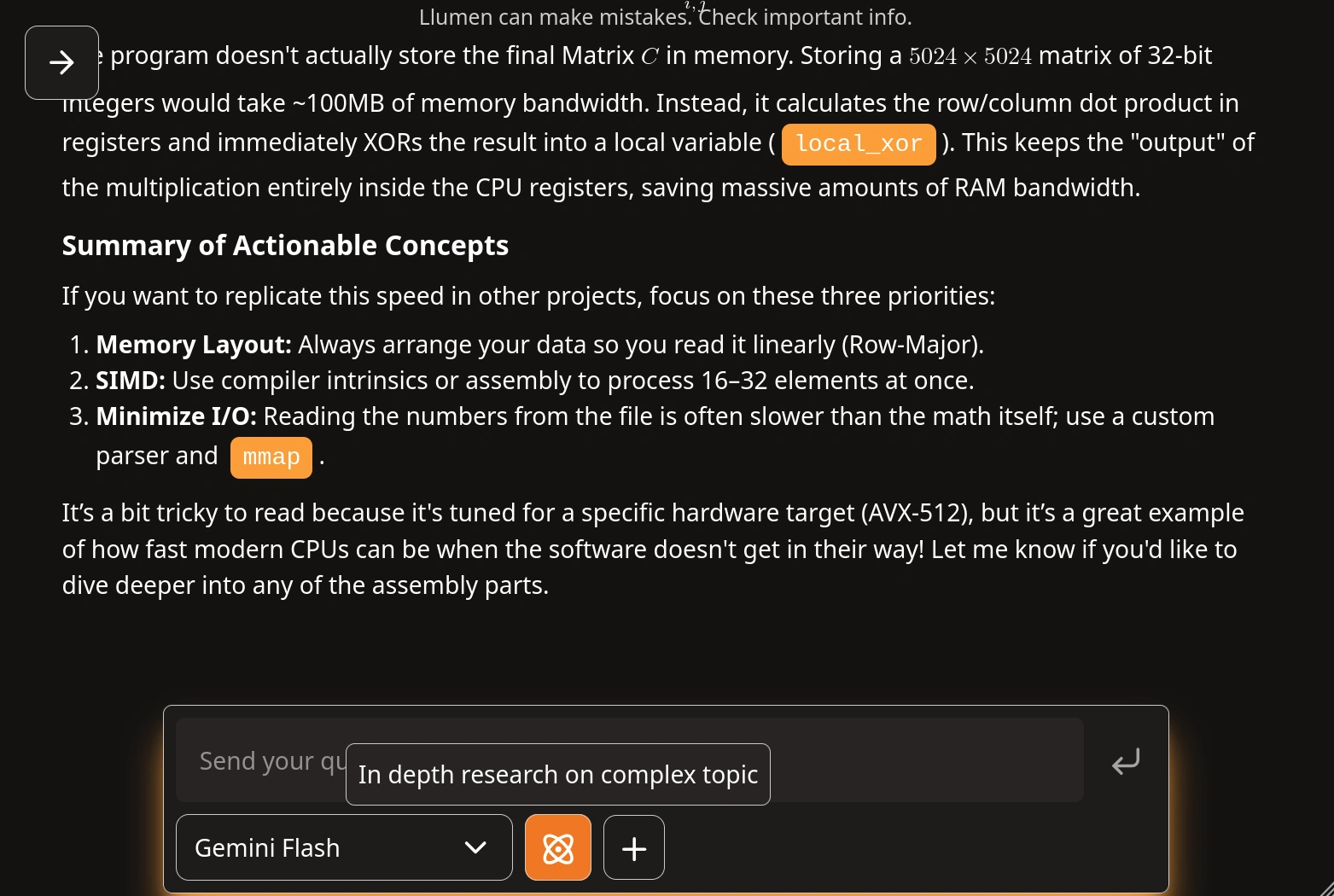
Normal Chat Mode
Best for: General conversations, quick questions, creative writing, coding help
Normal mode is your standard AI assistant. It's fast, direct, and perfect for most interactions.
Features
- Direct LLM responses
- Fastest response times
- Context-aware conversations
- Multi-turn dialogue support
Use Cases
- Ask questions about any topic
- Get help with coding
- Write and edit content
- Brainstorm ideas
- Explain complex concepts
Web Search Mode
Best for: Current events, fact-checking, research with sources
Web Search mode augments the AI with real-time web data. Get answers backed by current information and see your sources.
Features
- Real-time web search
- Source citations
- Up-to-date information
- Fact verification
Use Cases
- Check current news and events
- Find recent product information
- Verify facts and figures
- Research trending topics
- Compare prices and reviews
How It Works
- You ask a question
- Llumen searches the web
- Relevant information is gathered
- AI synthesizes an answer with sources
- You get cited, current information
Deep Research Mode
Best for: Complex questions, thorough analysis, multi-step research
Deep Research mode deploys autonomous agents to conduct comprehensive research. The AI plans its approach, gathers information systematically, and provides detailed findings.
Features
- Autonomous research agents
- Multi-step investigation
- Comprehensive analysis
- Structured findings
- Progress transparency
Use Cases
- Market research
- Technical deep-dives
- Academic research
- Competitive analysis
- Strategic planning
How It Works
- You pose a complex question
- Agent creates a research plan
- Systematically gathers information
- Analyzes and synthesizes findings
- Presents comprehensive report
Deep Research mode takes longer but provides much more thorough analysis. Use it when you need depth over speed.
Switching Between Modes
Access the mode selector through the action menu in the chat input area. Your conversation history is preserved when switching modes.