First Steps
Welcome to Llumen!
You've installed llumen! Let's get you chatting.
Initial Login
- Open your browser to
http://localhost(or your configured address) - You'll see the login screen
- Enter default credentials:
- Username:
admin - Password:
P@88w0rd
- Username:
warning
Important: Change the default password immediately!
Go to Settings -> Account Setting -> Password
The Interface
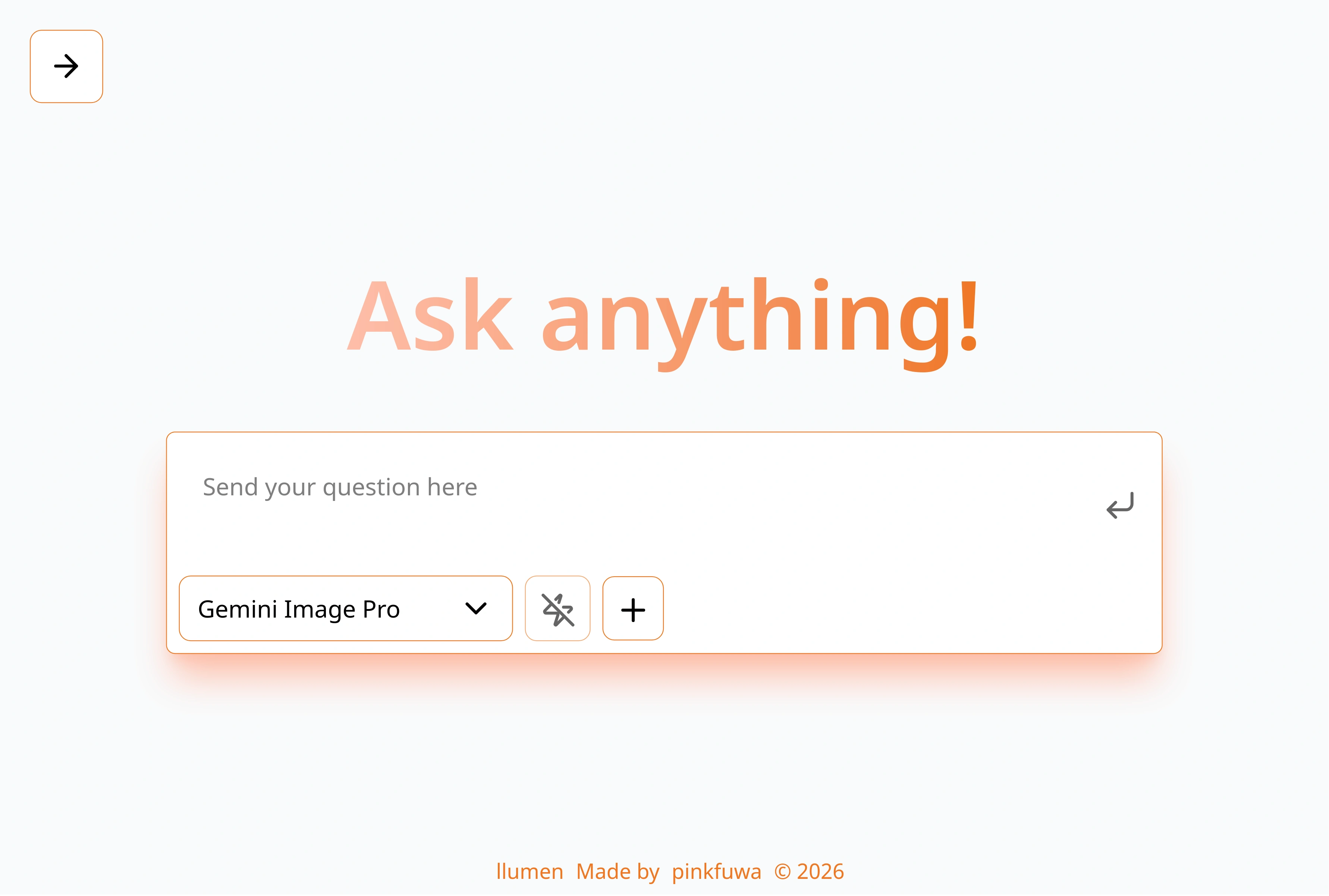
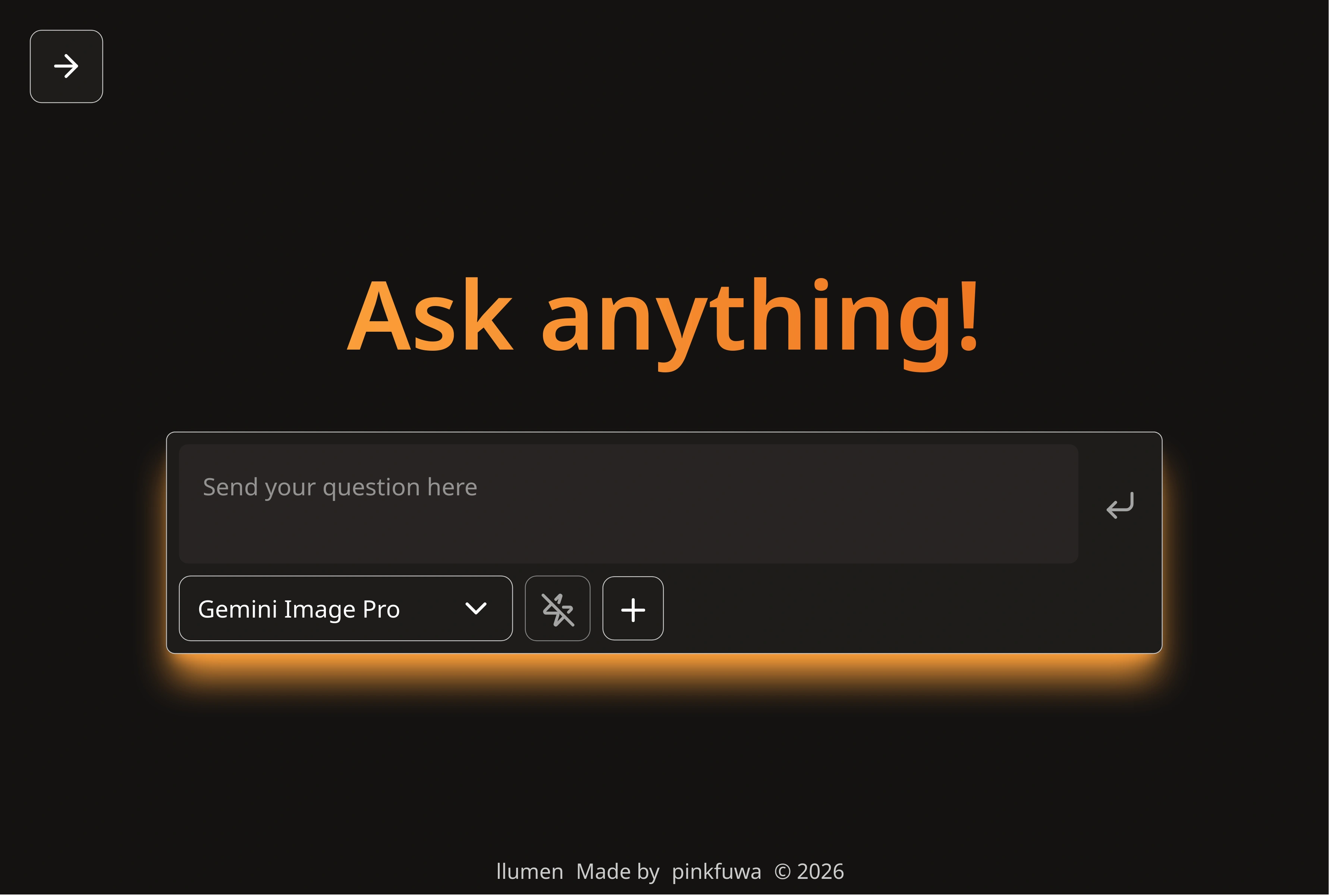
Setup Model
note
Llumen has default model GPT-OSS-20B, which might not be available.
You can skip this step if you are using openrouter.
- Open Settings (gear icon)
- Go to Openrouter -> Add a new model
Edit the textbox to use corresponding model id.
display_name="Gemini Flash"
model_id="google/gemini-3-flash-preview"
- Click create new
Exploring Chat Modes
Llumen has a concept of chat mode.
- Normal Mode(No Zap Icon): every mode support it.
- Search Mode(Magnifier Icon): search with duckduckgo tool, model must support tool call, model may provide reference source if available.
- Deep Research(Atom Icon): multi-step agent for searching and generate a complete report.
Working with Media
Upload a File
- Click the attachment icon, and select a file
- Drag and drop a file.
Using LaTeX
Type mathematical expressions:
Explain the equation: $ E = mc^2 $

Show me the quadratic formula in LaTeX
Customizing Your Experience
- Open Settings (gear icon)
- Go to Account Setting -> General
Theme
- Llumen (default)
- Sunset (warm)
- Ocean (blue)
- Variations with patterns
Language
- English
- 繁體中文
- 简体中文
Submit on enter
By default Enter create a newline.
Enable this allow you to send a message with Enter, create newline with Shift+Enter
Tips
Iterate
Don't be afraid to:
- Ask follow-up questions
- Delete a message
- Request clarification
- Ask for examples
- Request different formats
Use the Right Mode
- Normal: Quick questions, general chat
- Web Search: Current events, facts
- Deep Research: Complex topics, thorough analysis